
NEWLY Wallet helps you create accounts, set budgets, add transactions and review reports through a clean, secure and local-first finance workflow.
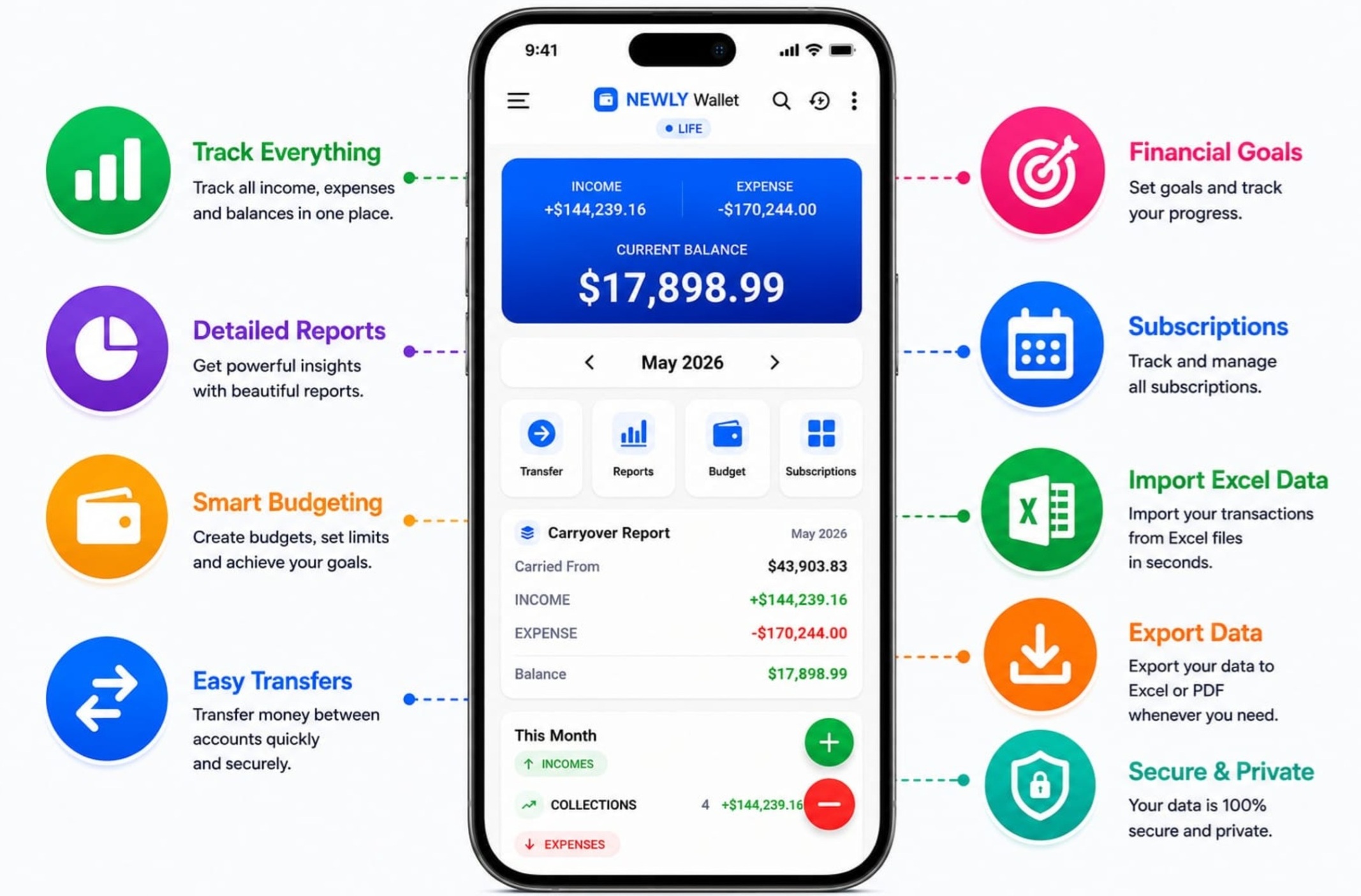
Follow a simple 1-2-3-4 workflow to organize your personal finances with NEWLY Wallet.

Add cash, bank, card or custom accounts to organize your financial structure from the beginning.

Create income and expense categories, set budget limits and keep your monthly planning clear.
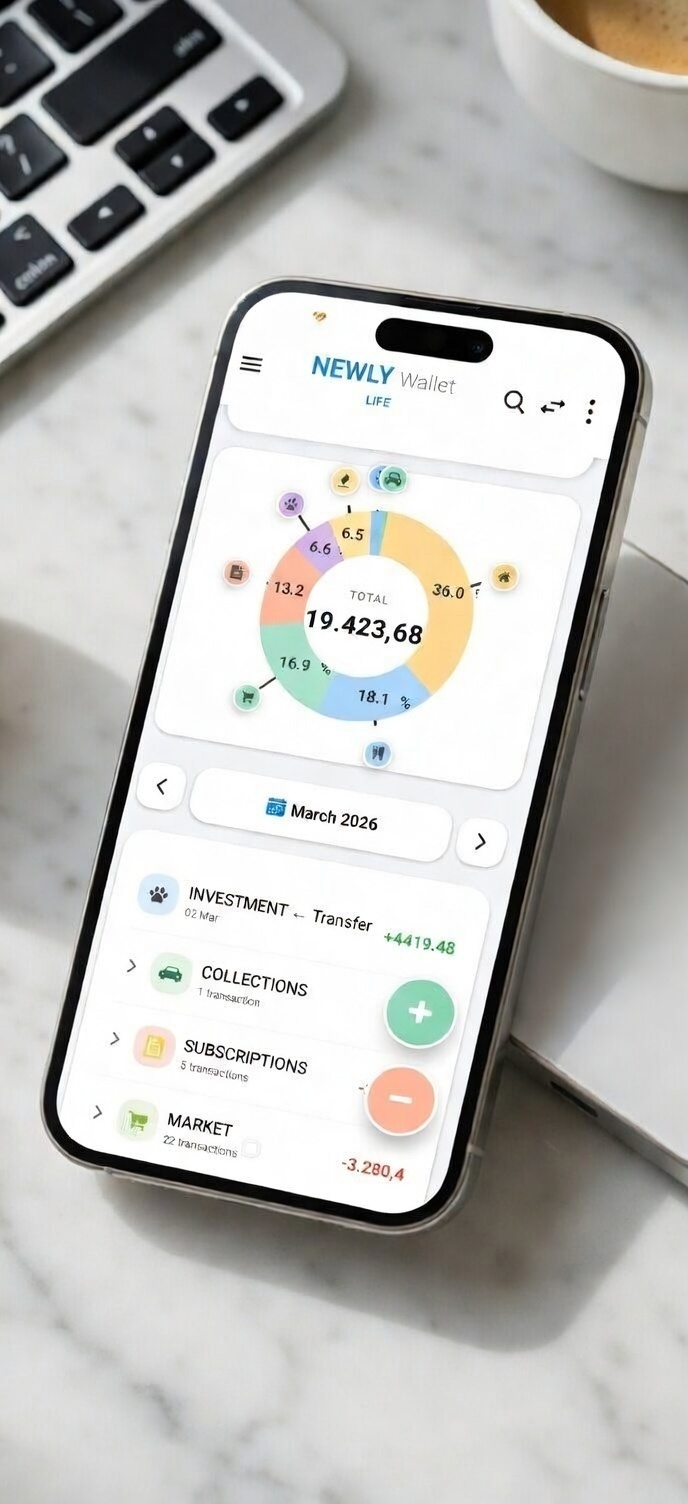
Record income, expenses and transfers quickly with account selection, category details and date-based tracking.
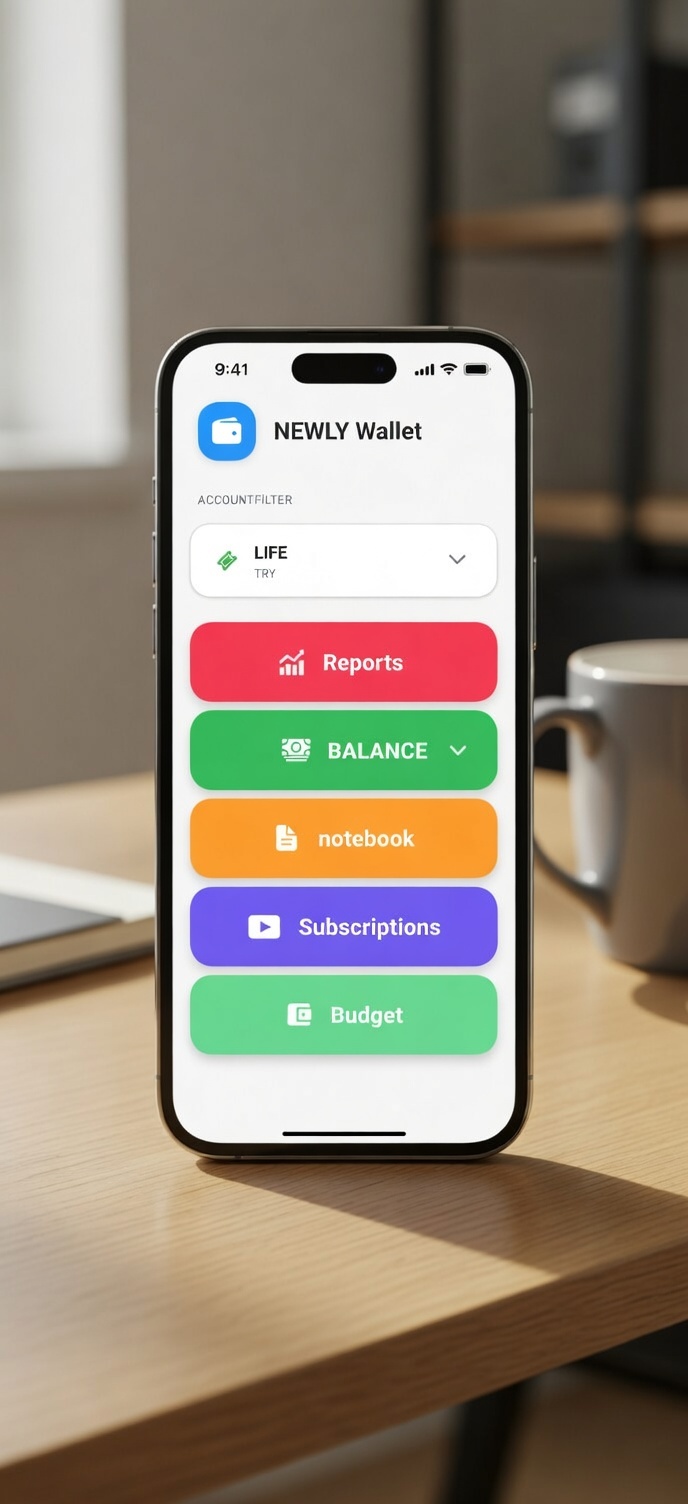
Analyze your balance, spending behavior and budget progress. Export Excel or PDF reports whenever needed.
NEWLY Wallet is designed for practical everyday use with fast entry, clear reporting and user-controlled data.
View income, expenses and current balance from a clean dashboard.
Add income, expense or transfer records without complicated screens.
Follow reports, budgets and trends to understand your financial habits.
Create Excel and PDF outputs for personal review and backup needs.
NEWLY Wallet helps you track income, expenses, budgets, accounts and reports in one secure place.
Get it on Google Play